I have implemented the logic to upload a file to Google Cloud Storage and generate a pre‑signed URL. Now, I need to implement a feature where, when I click the custom Download button, the application should set the download URL and use that pre‑signed URL to download the file. Could you please review this and suggest the correct solution?
There are several approaches possible, can you describe more precisely what you have configured:
Are we speaking of an (or several) field(s) of a business object ? If so, what types ? etc.
How did you implement the “upload” mechanism ?
etc.
Some screenshots would certainly help to understand your case/context.
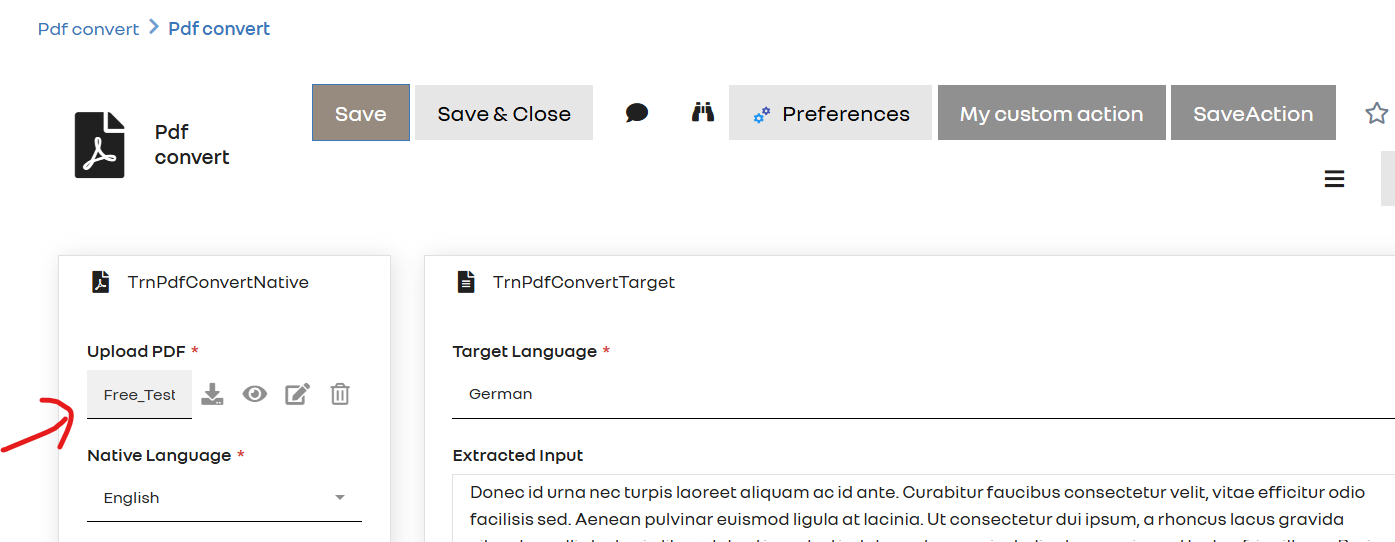
Generaly speaking Simplicité has a type “document” for handling documents (and providing standard UX for uploading/downloading it). By default documents are stored in the database (as BLOB) or on a plain file system but there are platform hooks to allow you to override the read/write/delete methods of document fields if needed. Otherwise you can still implement a custom “download” action/publication using an URL stored in a URL type field or something like that, but for me the approach of using a document field seems more “elegant” if technically possible
I’m not sure to understand how you upload your document to GCS because, from what I see, the document seems to be a plain document field, so it it seems to be (also ?) stored locally
Please explain how you have implemented the upload to GCS and why you keep the document locally ?
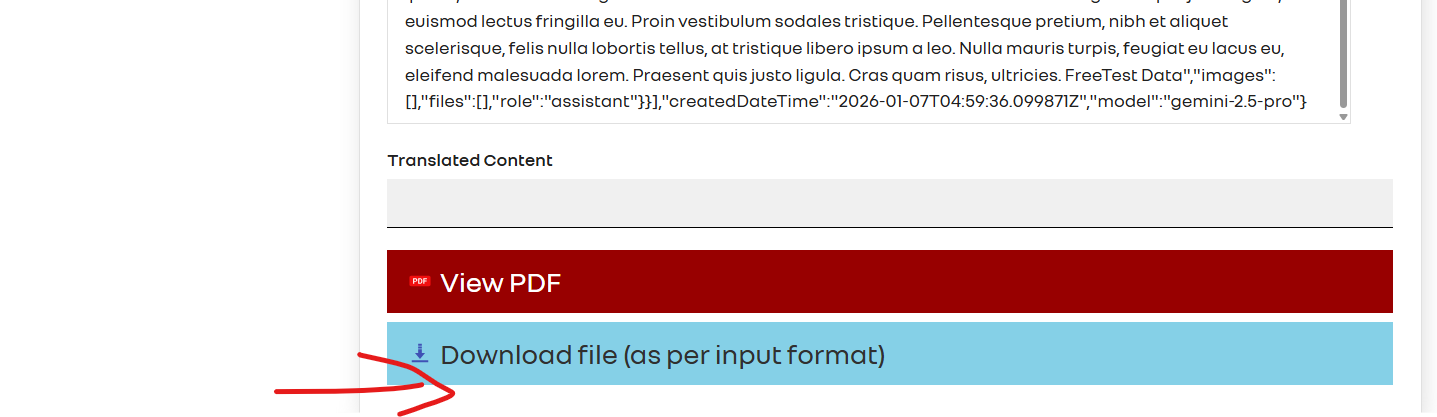
Regarding your custom download action, I can’t see how you have implemented the action method. Please provide more parts of your code (in particular the signature of the method) and the screenshot of the corresponding configured action so as I can check if everything is correct.
PS: to implement your client-side “redirect” you should rather write it like this : javascript("document.location.replace('" + Tool.toJS(url) +"');"); (note the Tool.toJS that is here to protect from potential XSS vulnerability of the returned JS statement)